
Search…
Search…
Date Picker
Live in Codebase
Native iOS-style date selection component with modal presentation and smooth animations for optimal user experience across platforms.
AA
WCAG 2.1 accessibility compliant
Date Picker
Live in Codebase
Native iOS-style date selection component with modal presentation and smooth animations for optimal user experience across platforms.
AA
WCAG 2.1 accessibility compliant
Date Picker
Native iOS-style date selection component with modal presentation and smooth animations for optimal user experience across platforms.
Figma Designs

Figma Designs
Figma Designs
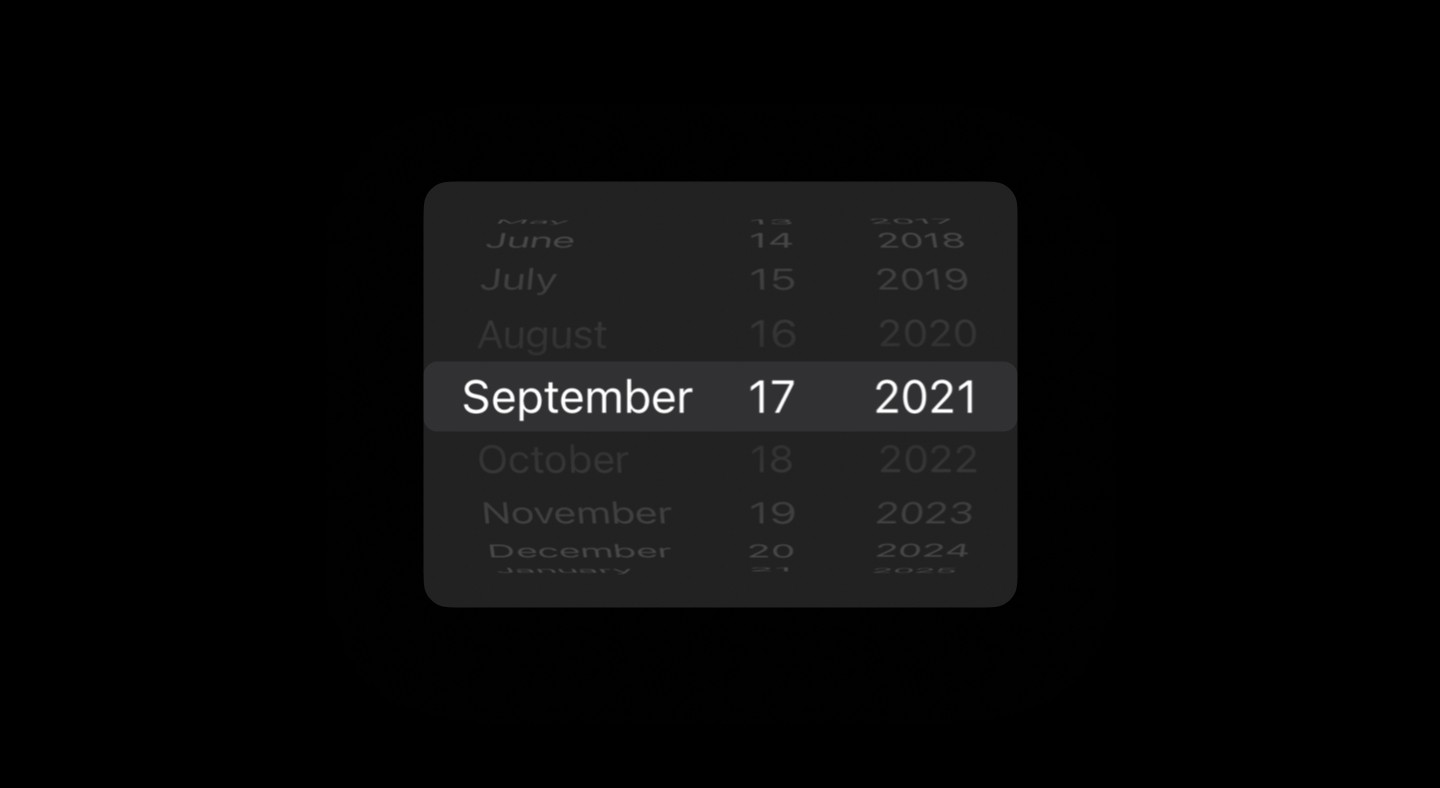
The Date Picker component provides a native date selection experience using platform-specific UI patterns
| An outlined button with calendar icon that displays either "Pick a date" or the selected |
| A blur overlay background that dims the underlying content during picker interaction |
| A bottom sheet-style container with rounded top corners and proper safe area handling |
| Platform-specific picker widget (iOS spinner wheel or Android native dialog) |
| iOS-specific Cancel/Confirm buttons for explicit user confirmation |
When to use | When not to use |
|---|---|
✅ Use when users need to select a single date or a date range. | ⛔️ Don’t use for entering a date of birth, use an Input component instead. |
The Date Picker component provides a native date selection experience using platform-specific UI patterns
| An outlined button with calendar icon that displays either "Pick a date" or the selected |
| A blur overlay background that dims the underlying content during picker interaction |
| A bottom sheet-style container with rounded top corners and proper safe area handling |
| Platform-specific picker widget (iOS spinner wheel or Android native dialog) |
| iOS-specific Cancel/Confirm buttons for explicit user confirmation |
When to use | When not to use |
|---|---|
✅ Use when users need to select a single date or a date range. | ⛔️ Don’t use for entering a date of birth, use an Input component instead. |
The Date Picker component provides a native date selection experience using platform-specific UI patterns
| An outlined button with calendar icon that displays either "Pick a date" or the selected |
| A blur overlay background that dims the underlying content during picker interaction |
| A bottom sheet-style container with rounded top corners and proper safe area handling |
| Platform-specific picker widget (iOS spinner wheel or Android native dialog) |
| iOS-specific Cancel/Confirm buttons for explicit user confirmation |
When to use | When not to use |
|---|---|
✅ Use when users need to select a single date or a date range. | ⛔️ Don’t use for entering a date of birth, use an Input component instead. |
Continue reading
Get in touch
Got a project in mind? Let’s chat. I’m always keen to hear about new ideas, collaborations, or challenges you’re looking to solve. Drop me a message and we can explore how to bring your vision to life together.
Get in touch
Got a project in mind? Let’s chat. I’m always keen to hear about new ideas, collaborations, or challenges you’re looking to solve. Drop me a message and we can explore how to bring your vision to life together.
Get in touch
Got a project in mind? Let’s chat. I’m always keen to hear about new ideas, collaborations, or challenges you’re looking to solve. Drop me a message and we can explore how to bring your vision to life together.