Usage
How to use
Here you can see how you can style the Design System to match any brand (Spotify and Netflix in this example) empowering rapid design iteration and a smooth transition to production.
Examples in use

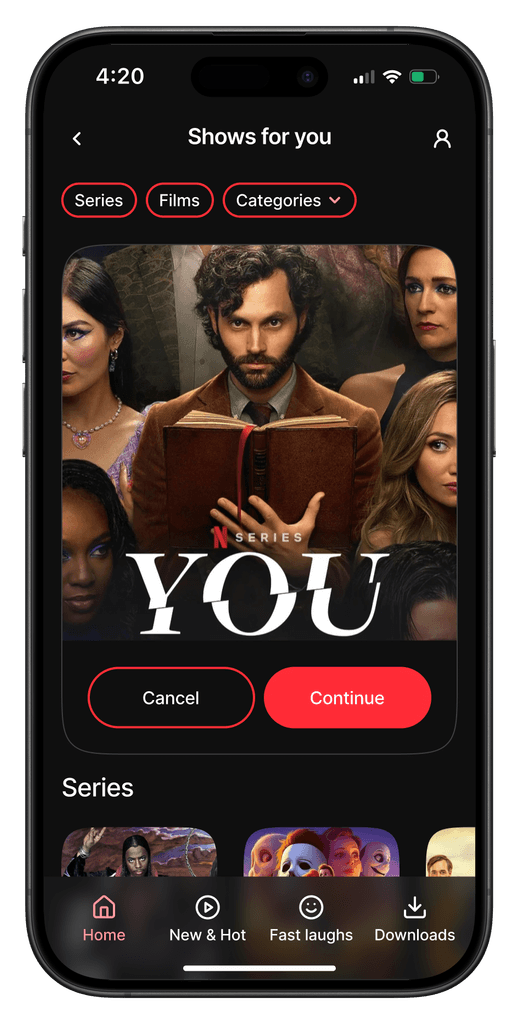
Here you can see how you can style the Design System to match any brand (Spotify and Netflix in this example) empowering rapid design iteration and a smooth transition to production.
View more examples on the Figma UI Kit.
Assets Panel
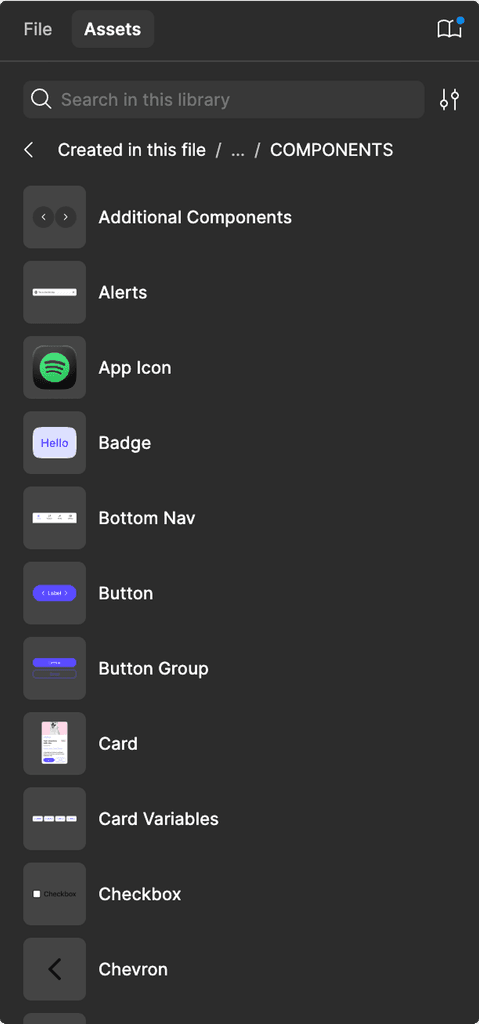
Each component is listed in the assets panel for easy access. We keep components visible and avoid nesting them in too many subfolders. For complex components, their building blocks are located in the respective sub-components folder.
Local Styles

Local styles in Figma are available when the Design System is enabled.To apply, Select any of these presets from the Figma Local styles panel.
Colour modes
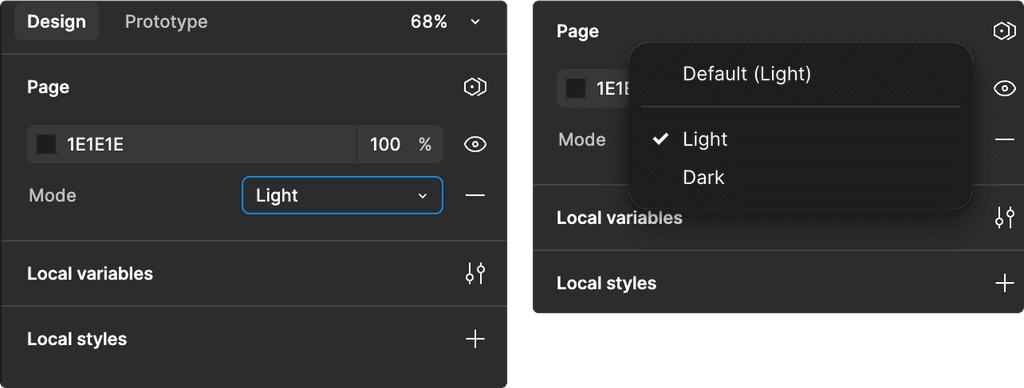
You can toggle between light and dark modes by selecting the ‘Mode’ dropdown in the Figma ‘Design’ panel to the right. To apply, select Light or Dark from the Mode dropdown selector.