
Search…
Search…
Option Group
Live
Use this component inside other elements like Popover or Select to present a grouped list of items or options. Each option can be configured independently, while grouping enables flexible customisation and clearer organisation.
AA
WCAG 2.1 accessibility compliant
Option Group
Live
Use this component inside other elements like Popover or Select to present a grouped list of items or options. Each option can be configured independently, while grouping enables flexible customisation and clearer organisation.
AA
WCAG 2.1 accessibility compliant
Option Group
Use this component inside other elements like Popover or Select to present a grouped list of items or options. Each option can be configured independently, while grouping enables flexible customisation and clearer organisation.
Live in Storybook

Live in Storybook
Live in Storybook
Figma Designs

Figma Designs
Figma Designs
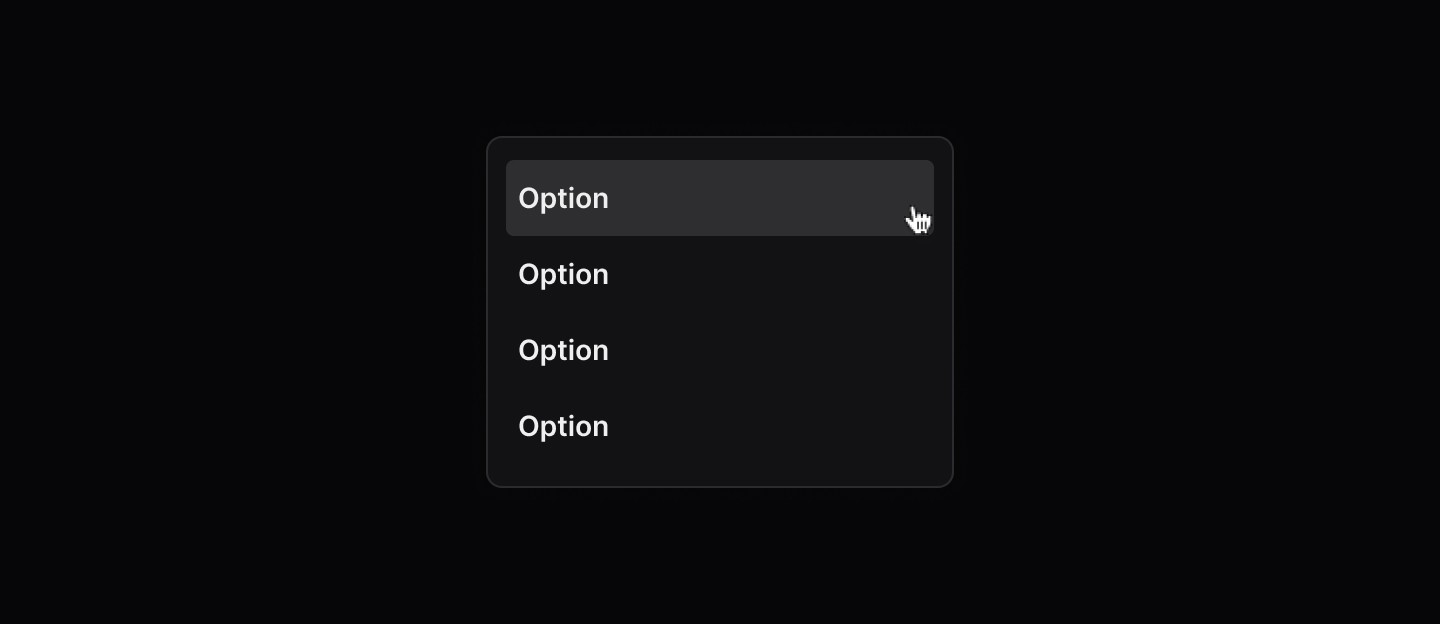
When to use | When not to use |
|---|---|
✅ Use up to five words | ⛔️ Don't use sentences or paragraphs |
Anatomy
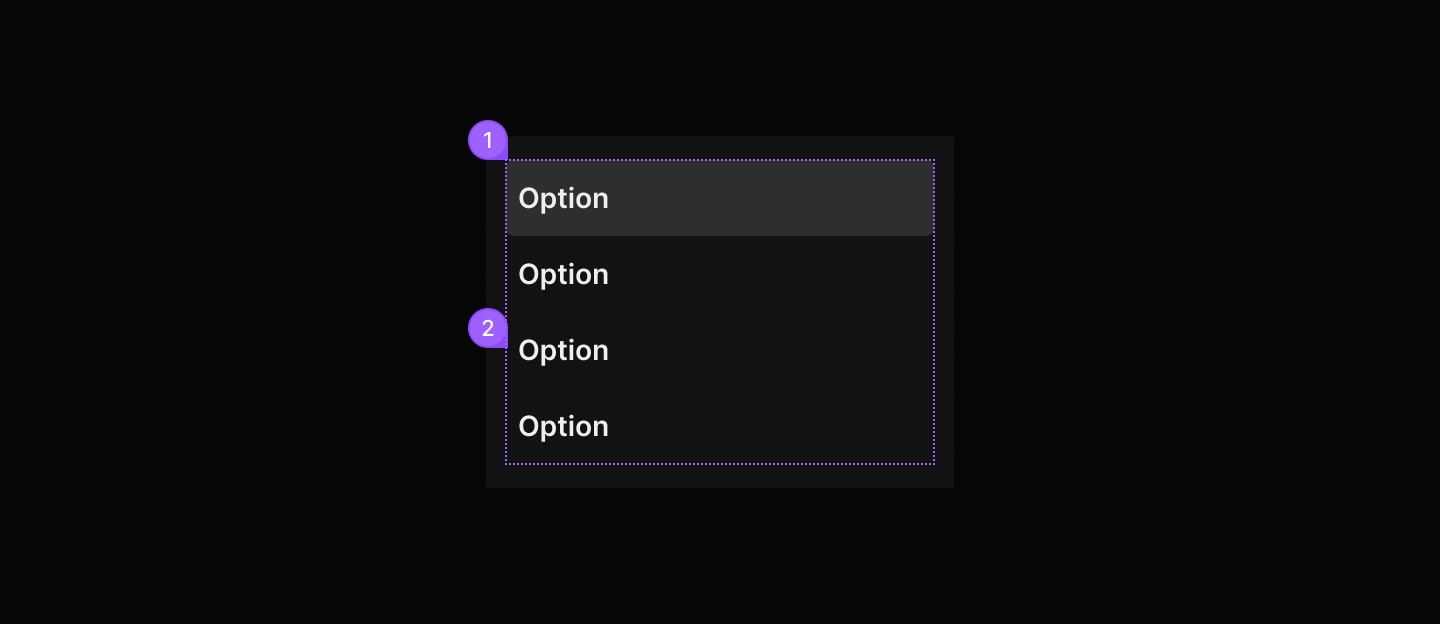
Element | Description |
|---|---|
| Selected group option |
| Default group option |
States
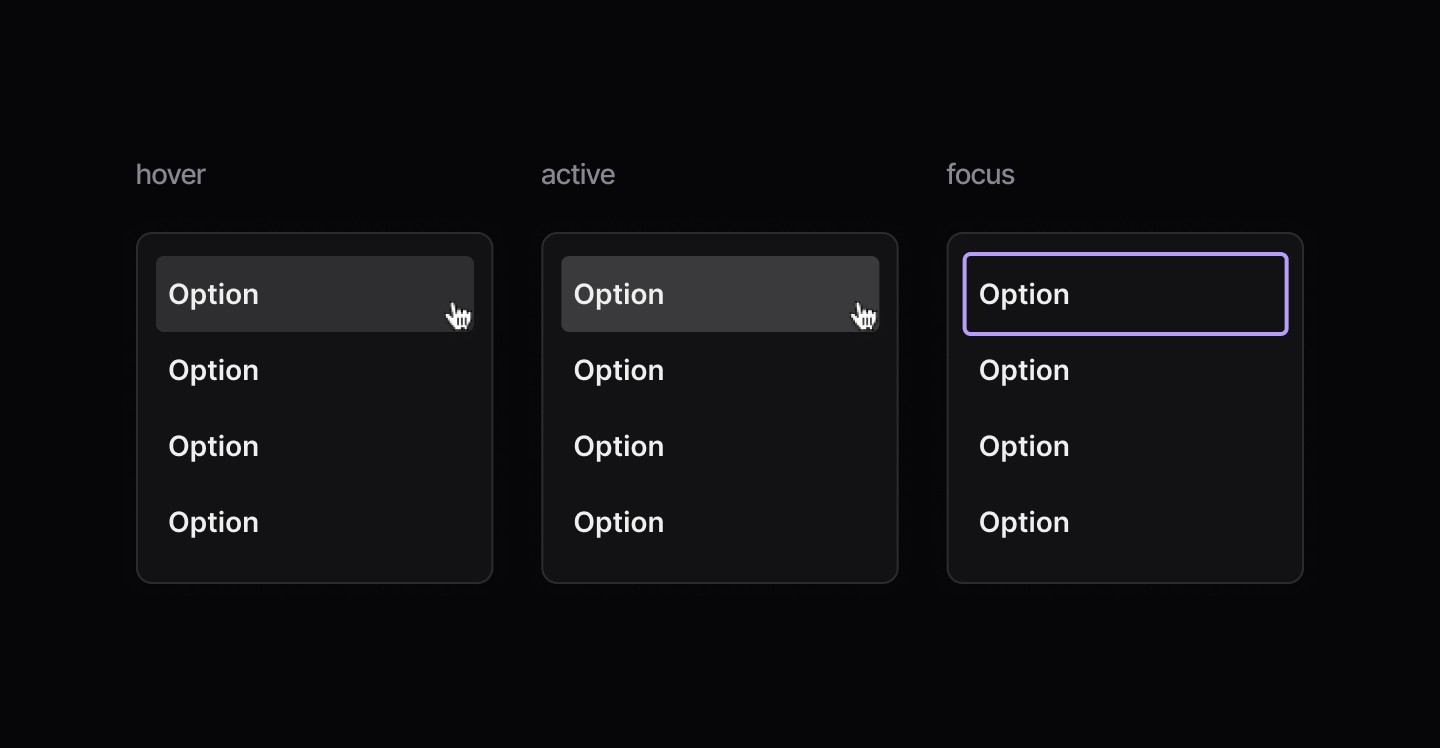
Spacing

When to use | When not to use |
|---|---|
✅ Use up to five words | ⛔️ Don't use sentences or paragraphs |
Anatomy
Element | Description |
|---|---|
| Selected group option |
| Default group option |
States
Spacing
When to use | When not to use |
|---|---|
✅ Use up to five words | ⛔️ Don't use sentences or paragraphs |
Anatomy
Element | Description |
|---|---|
| Selected group option |
| Default group option |
States
Spacing
Continue reading
Get in touch
Got a project in mind? Let’s chat. I’m always keen to hear about new ideas, collaborations, or challenges you’re looking to solve. Drop me a message and we can explore how to bring your vision to life together.
Get in touch
Got a project in mind? Let’s chat. I’m always keen to hear about new ideas, collaborations, or challenges you’re looking to solve. Drop me a message and we can explore how to bring your vision to life together.
Get in touch
Got a project in mind? Let’s chat. I’m always keen to hear about new ideas, collaborations, or challenges you’re looking to solve. Drop me a message and we can explore how to bring your vision to life together.