Color is a fundamental part of any design system, shaping the visual identity, usability, and accessibility of a product. A well-defined color system ensures consistency, strengthens branding, and enhances user interactions across different screens and devices.
Color is a fundamental part of any design system, shaping the visual identity, usability, and accessibility of a product. A well-defined color system ensures consistency, strengthens branding, and enhances user interactions across different screens and devices.
Color is a fundamental part of any design system, shaping the visual identity, usability, and accessibility of a product. A well-defined color system ensures consistency, strengthens branding, and enhances user interactions across different screens and devices.
Colour is more than aesthetics, it communicates meaning, establishes hierarchy, and supports readability. But relying on colour alone can create accessibility barriers, especially for users with colour blindness or low vision. This design system uses a three-tier color token architecture for consistent theming across light and dark modes.
Token Hierarchy
Token
Reference Tokens
--ref Base color values in HSL format
System Tokens
--sys Semantic purpose-driven tokens
Component Tokens
Applied directly to UI components
Reference Tokens
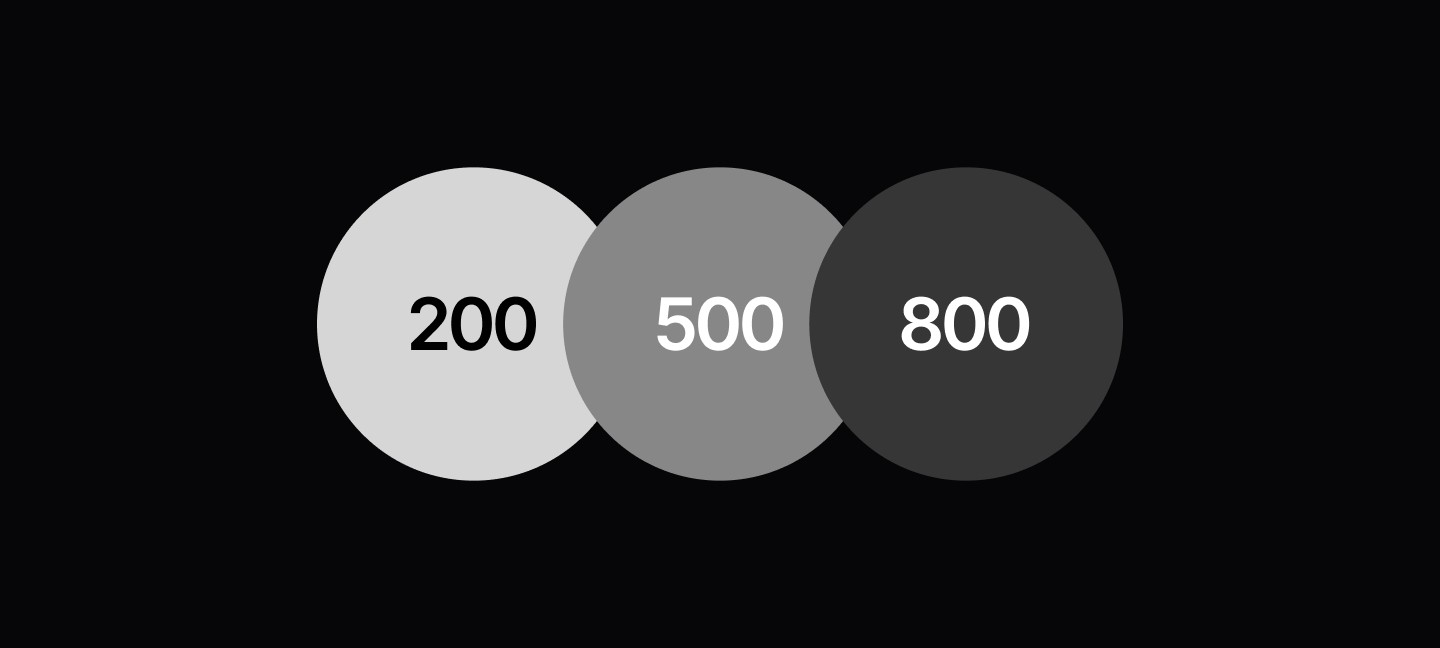
Neutral Colors
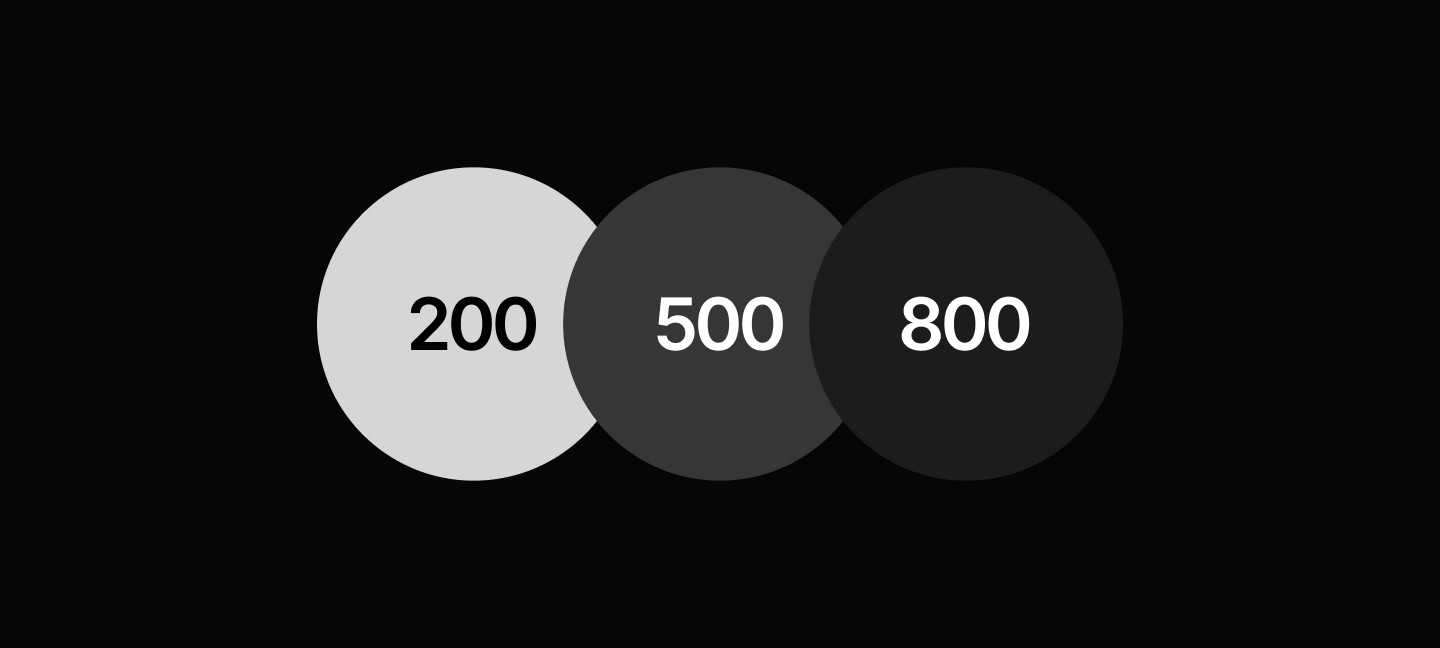
The foundation of your design system's color palette. These achromatic tokens provide the structural colors for backgrounds, text, and borders. The 11-step scale ensures consistent visual hierarchy and sufficient contrast ratios across light and dark themes. Use neutral tokens for content-focused interfaces where color should support, not distract from, the user experience.
/* Neutral Color Tokens */:root {
--ref-neutral-50:00% 100%;/* Pure white */
--ref-neutral-100:00% 94.9%;/* Very light gray */
--ref-neutral-200:00% 83.92%;/* Light gray */
--ref-neutral-300:00% 74.12%;/* Medium light gray */
--ref-neutral-400:00% 63.14%;/* Medium gray */
--ref-neutral-500:00% 52.94%;/* Base gray */
--ref-neutral-600:00% 41.96%;/* Medium dark gray */
--ref-neutral-700:00% 32.16%;/* Dark gray */
--ref-neutral-800:00% 21.18%;/* Very dark gray */
--ref-neutral-900:00% 10.98%;/* Almost black */
--ref-neutral-950:00% 5.88%;/* Near black */}
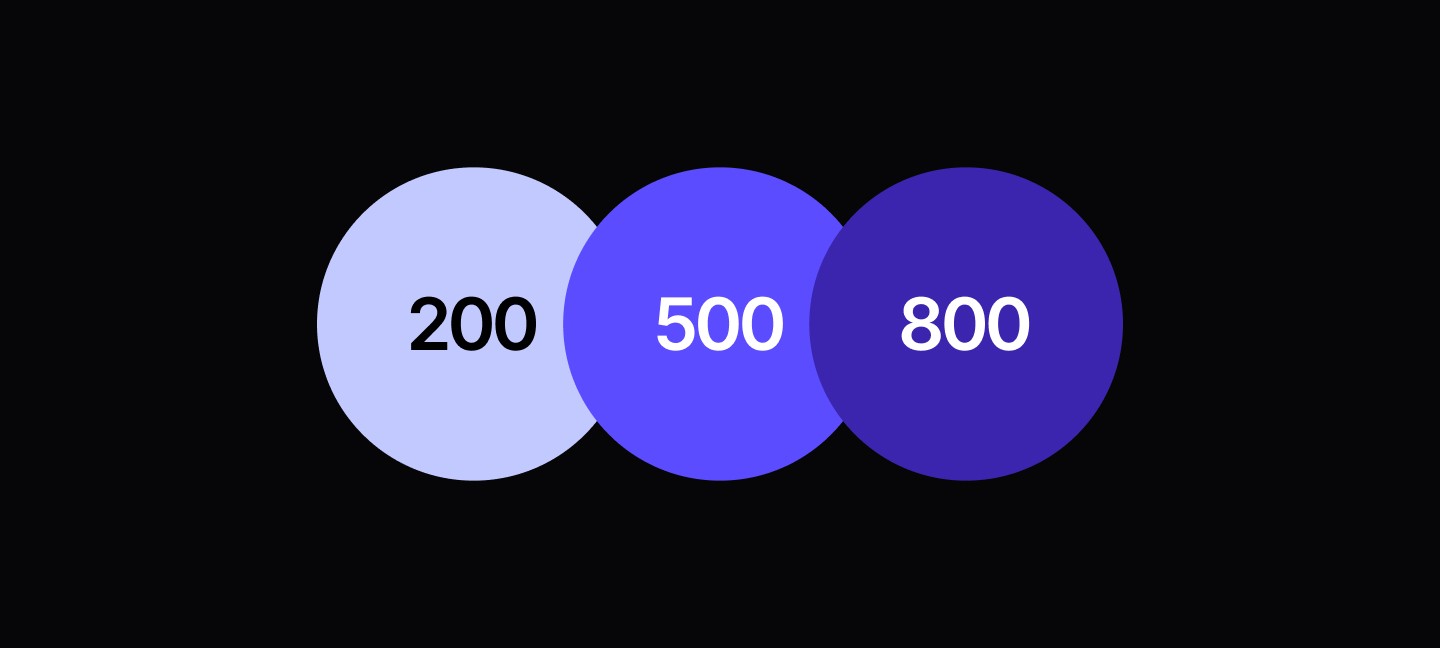
Secondary (Brand)
Your primary brand identity expressed through color. This purple-to-blue gradient palette defines your product's visual personality and should be used for primary actions, highlights, and brand moments. The secondary color system creates emotional connection and brand recognition while maintaining accessibility standards across all interface states.
/* Light Mode Secondary Tokens */:root {/* Secondary Surface Tokens */
--sys-surface-secondary-1:var(--ref-secondary-50);/* Very light purple */
--sys-surface-secondary-2:var(--ref-secondary-100);/* Brand badge backgrounds */
--sys-surface-secondary-3:var(--ref-secondary-300);/* Medium secondary surfaces */
--sys-surface-secondary-4:var(--ref-secondary-500);/* Primary buttons, switches */
--sys-surface-secondary-5:var(--ref-secondary-700);/* Button hover states */
--sys-surface-secondary-pressed:var(--ref-secondary-100);/* Focus/active states *//* Secondary Text Tokens */
--sys-text-secondary:var(--ref-secondary-700);/* Secondary text */
--sys-text-primary:var(--ref-secondary-500);/* 2Primary accent text *//* Secondary Border Tokens */
--sys-border-6:var(--ref-secondary-500);/* Focus borders */}/* Dark Mode Secondary Tokens */
.dark:root {/* Secondary Surface Tokens */
--sys-surface-secondary-1:var(--ref-secondary-50);/* Very light purple */
--sys-surface-secondary-2:var(--ref-secondary-100);/* Brand badge backgrounds */
--sys-surface-secondary-3:var(--ref-secondary-300);/* Medium secondary surfaces */
--sys-surface-secondary-4:var(--ref-secondary-500);/* Primary buttons, switches */
--sys-surface-secondary-5:var(--ref-secondary-700);/* Button hover states */
--sys-surface-secondary-pressed:var(--ref-secondary-950);/* Focus/active states (DARK) *//* Secondary Text Tokens */
--sys-text-secondary:var(--ref-secondary-400);/* Secondary text (DARK) */
--sys-text-primary:var(--ref-secondary-500);/* Primary accent text *//* Secondary Border Tokens */
--sys-border-6:var(--ref-secondary-300);/* Focus borders (DARK) *//* Secondary Focus Token */
--sys-focus:var(--ref-secondary-600);/* Focus states */
Semantic Color Palettes
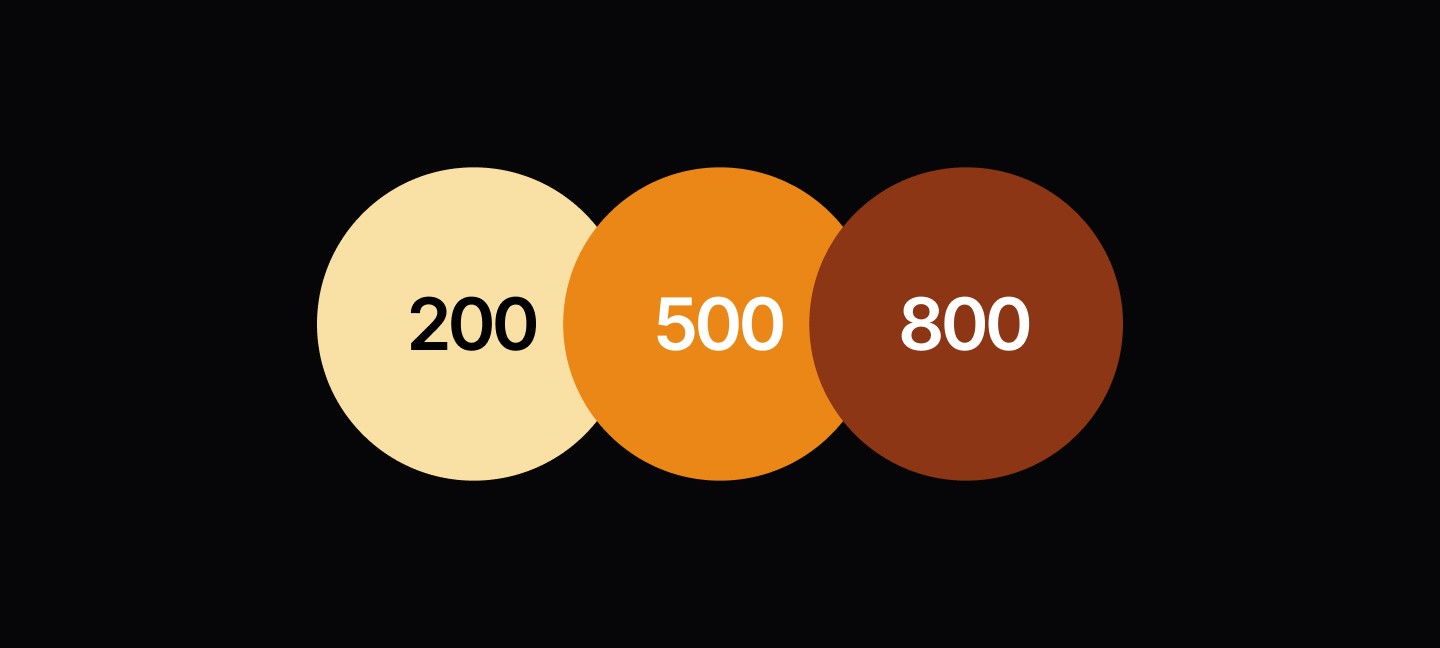
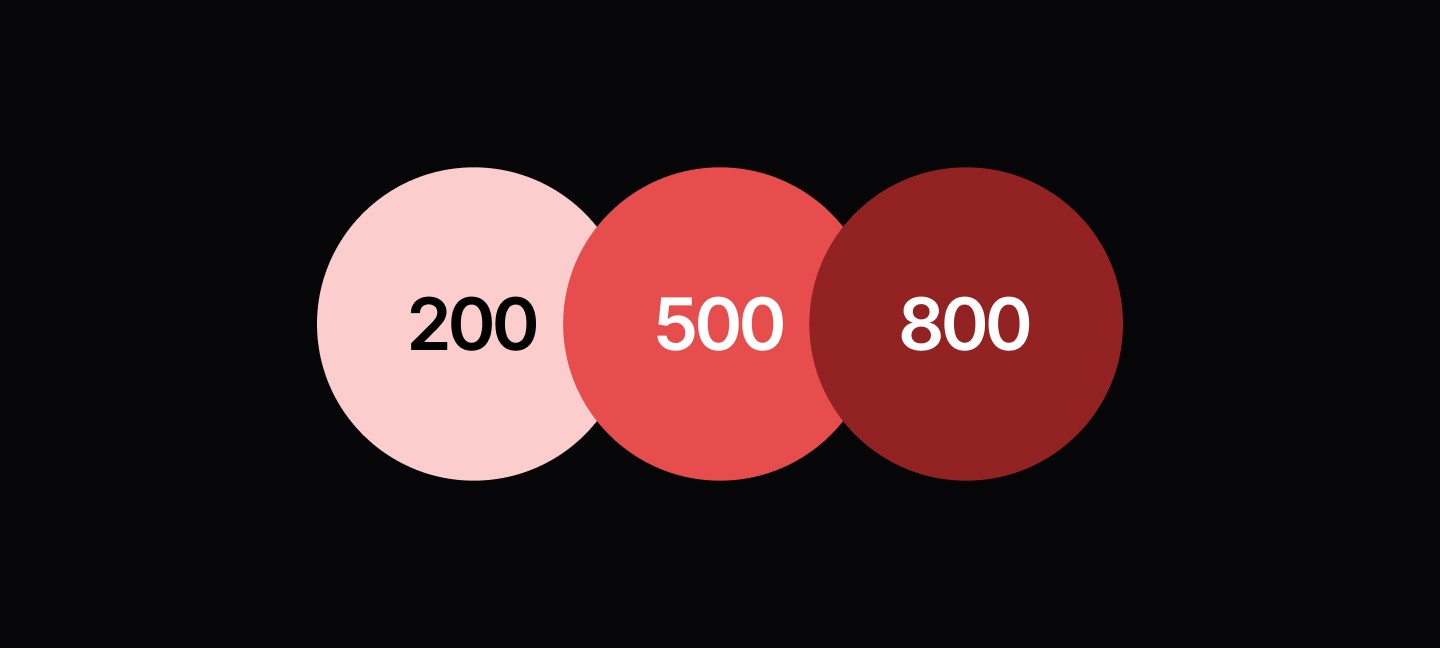
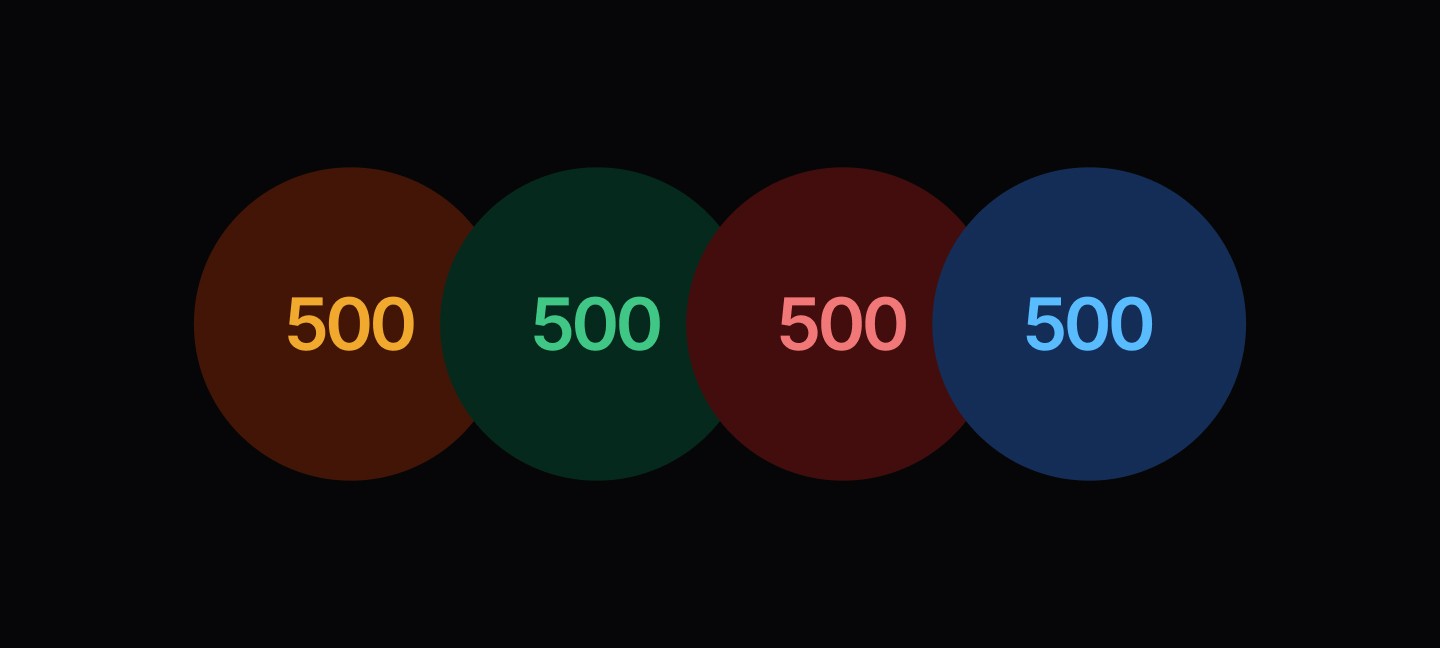
Communicative colors that convey meaning and context to users. These carefully calibrated palettes ensure your interface speaks a consistent visual language across information states, user feedback, and system messaging. Each semantic color family is optimized for both accessibility compliance and psychological impact.
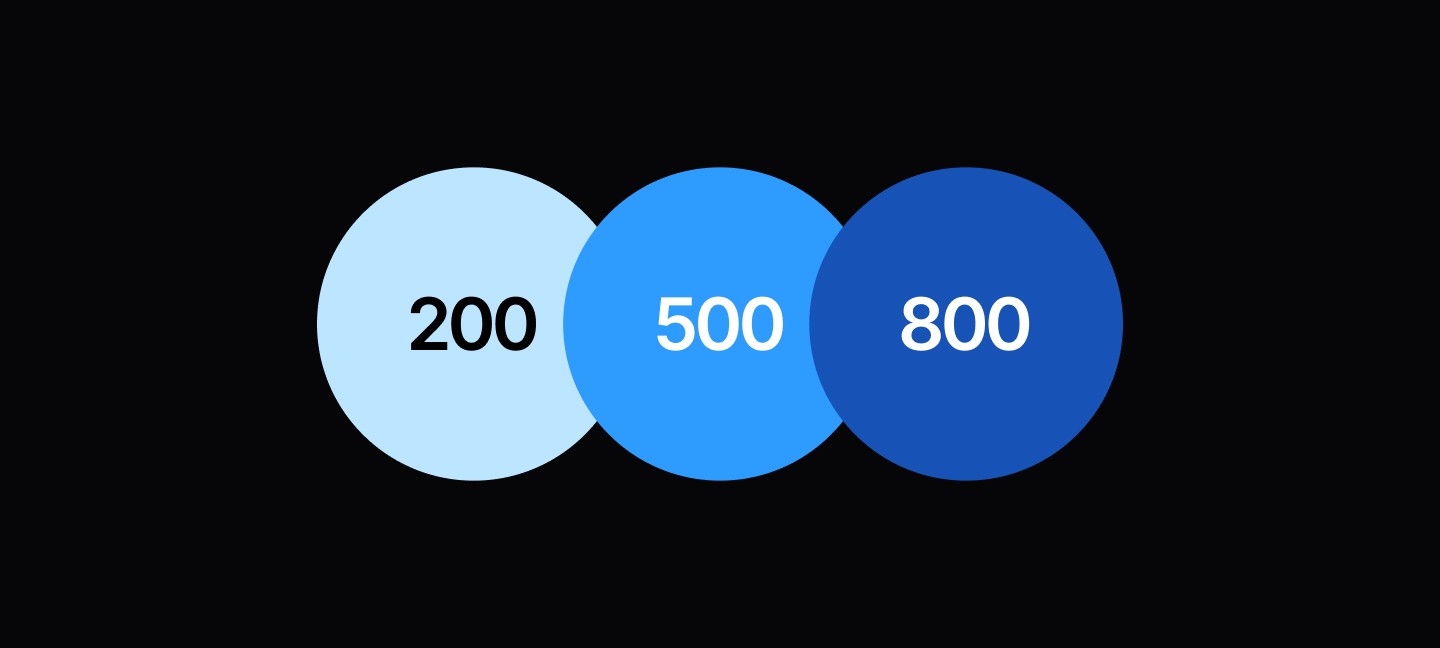
Information
Communicates helpful information, guidance, and neutral system messages. Use for tips, documentation links, informational alerts, and educational content.
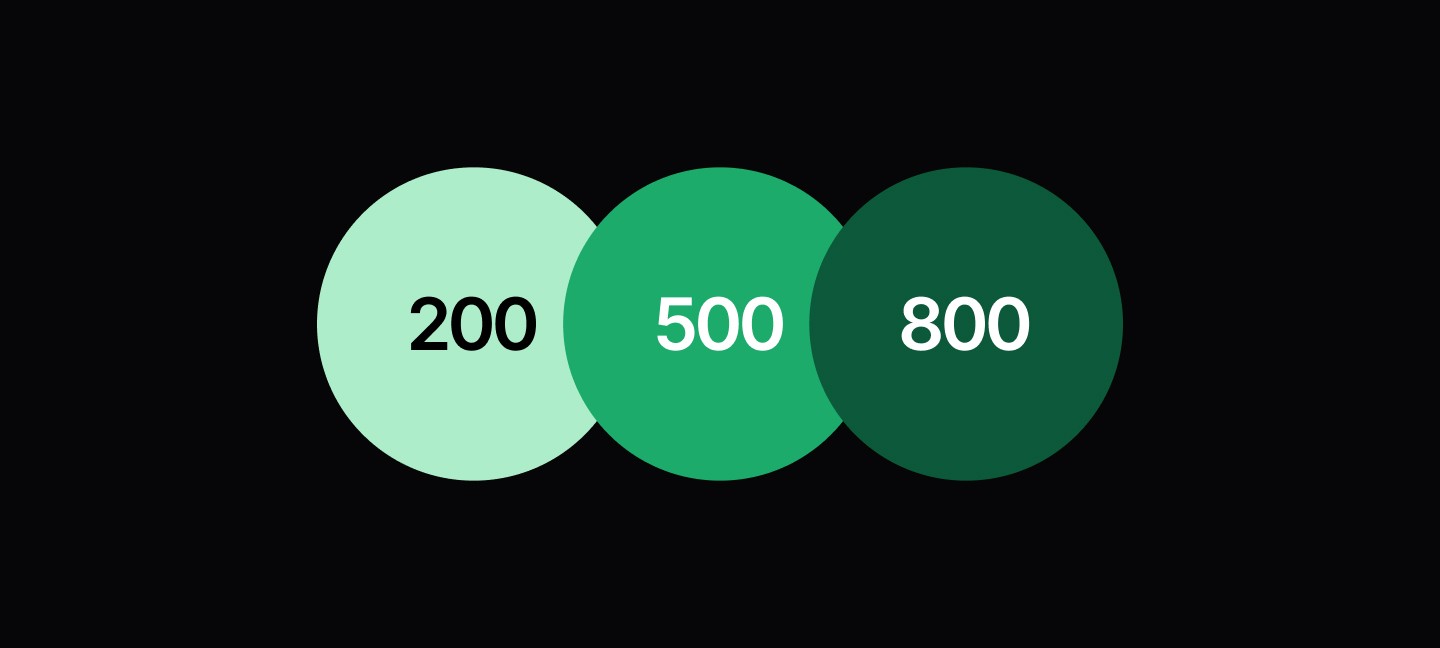
Celebrates positive outcomes and completed actions. Reserve for successful form submissions, completed processes, positive confirmations, and achievement indicators.
Signals caution and important notices that require user attention. Apply to non-critical alerts, missing information, and situations that need user awareness before proceeding.
Indicates problems, failures, and critical issues requiring immediate user action. Use for form validation errors, system failures, destructive action confirmations, and blocking issues.
Semantic colors for user feedback and system states. These tokens communicate specific meanings through color while maintaining accessibility and consistency across different interface contexts and themes.
/* Light Mode Functional Tokens */:root {
--sys-fn-generic:var(--ref-neutral-50);/* Generic/neutral backgrounds */
--sys-fn-success:var(--ref-success-200);/* Success backgrounds */
--sys-fn-success-text:var(--ref-success-900);/* Success text */
--sys-fn-error:var(--ref-error-200);/* Error backgrounds */
--sys-fn-error-text:var(--ref-error-800);/* Error text */
--sys-fn-warning:var(--ref-warning-200);/* Warning backgrounds */
--sys-fn-warning-text:var(--ref-warning-800);/* Warning text */
--sys-fn-information:var(--ref-information-200);/* Info backgrounds */
--sys-fn-information-text:var(--ref-information-800);/* Info text */}/* Dark Mode Functional Tokens */
.dark:root {
--sys-fn-generic:var(--ref-neutral-950);/* Generic/neutral backgrounds */
--sys-fn-success:var(--ref-success-950);/* Success backgrounds */
--sys-fn-success-text:var(--ref-success-400);/* Success text */
--sys-fn-error:var(--ref-error-950);/* Error backgrounds */
--sys-fn-error-text:var(--ref-error-400);/* Error text */
--sys-fn-warning:var(--ref-warning-950);/* Warning backgrounds */
--sys-fn-warning-text:var(--ref-warning-300);/* Warning text */
--sys-fn-information:var(--ref-information-950);/* Info backgrounds */
--sys-fn-information-text:var(--ref-information-400);/* Info text */}
System Tokens
Surface
The spatial foundation of your interface. Surface tokens define the background colors and container styles that create depth, hierarchy, and visual organization in your layouts. These tokens automatically adapt between light and dark themes while maintaining consistent relationships and contrast ratios. Use surface tokens to establish clear information architecture and guide user focus through layered content.
/* Light Mode Surface Tokens */:root {
--sys-surface-neutral-0:var(--ref-neutral-50);/* Primary background, hover states, dialogs */
--sys-surface-neutral-1:var(--ref-neutral-100);/* Available for elevated surfaces */
--sys-surface-neutral-2:var(--ref-neutral-200);/* UI element backgrounds (drag handles, buttons) */
--sys-surface-neutral-3:var(--ref-neutral-800);/* Available for dark surface elements */
--sys-surface-neutral-4:var(--ref-neutral-900);/* Available for darker surface elements */
--sys-surface-neutral-5:var(--ref-neutral-950);/* Tooltip backgrounds */
--sys-surface-disabled:var(--ref-neutral-200);/* Available for disabled states */
--sys-surface-scrim:var(--ref-neutral-100) / 50%;/* Overlay scrim */
--sys-surface-card:var(--ref-neutral-50);/* Card component backgrounds */
--sys-surface-black:var(--ref-neutral-950);/* Button destructive variant */
--sys-surface-white:var(--ref-neutral-50);/* Available for pure white */
--sys-surface-secondary-1:var(--ref-secondary-50);/* Available for light secondary */
--sys-surface-secondary-2:var(--ref-secondary-100);/* Brand badge backgrounds */
--sys-surface-secondary-3:var(--ref-secondary-300);/* Available for medium secondary */
--sys-surface-secondary-4:var(--ref-secondary-500);/* Primary buttons, switch active, progress bars */
--sys-surface-secondary-5:var(--ref-secondary-700);/* Button hover states */
--sys-surface-secondary-pressed:var(--ref-secondary-100);/* Focus/active states (inputs, checkboxes, toggles) */}/* Dark Mode Surface Tokens */
.dark:root {
--sys-surface-neutral-0:var(--ref-neutral-950);/* Primary background, hover states, dialogs */
--sys-surface-neutral-1:var(--ref-neutral-900);/* Available for elevated surfaces */
--sys-surface-neutral-2:var(--ref-neutral-800);/* UI element backgrounds (drag handles, buttons) */
--sys-surface-neutral-3:var(--ref-neutral-200);/* Available for light surface elements */
--sys-surface-neutral-4:var(--ref-neutral-100);/* Available for lighter surface elements */
--sys-surface-neutral-5:var(--ref-neutral-50);/* Tooltip backgrounds */
--sys-surface-disabled:var(--ref-neutral-950);/* Available for disabled states */
--sys-surface-scrim:var(--ref-neutral-100) / 50%;/* Overlay scrim */
--sys-surface-card:var(--ref-neutral-900);/* Card component backgrounds */
--sys-surface-black:var(--ref-neutral-950);/* Button destructive variant */
--sys-surface-white:var(--ref-neutral-50);/* Available for pure white */
--sys-surface-secondary-1:var(--ref-secondary-50);/* Available for light secondary */
--sys-surface-secondary-2:var(--ref-secondary-100);/* Brand badge backgrounds */
--sys-surface-secondary-3:var(--ref-secondary-300);/* Available for medium secondary */
--sys-surface-secondary-4:var(--ref-secondary-500);/* Primary buttons, switch active, progress bars */
--sys-surface-secondary-5:var(--ref-secondary-700);/* Button hover states */
--sys-surface-secondary-pressed:var(--ref-secondary-950);/* Focus/active states (inputs, checkboxes, toggles) */}
Text Tokens
Typography colors engineered for maximum readability and accessibility. These tokens ensure all text meets WCAG contrast requirements while maintaining visual hierarchy and semantic meaning. Text tokens automatically adjust between light and dark themes to provide optimal legibility across all interface contexts, from primary content to subtle annotations.
/* Light Mode Text Tokens */:root {
--sys-text-body:var(--ref-neutral-950);/* Primary text */
--sys-text-body-inverse:var(--ref-neutral-50);/* Inverse text */
--sys-text-secondary:var(--ref-secondary-700);/* Secondary text */
--sys-text-primary:var(--ref-secondary-500);/* Primary accent text */
--sys-text-white:var(--ref-neutral-50);/* Pure white text */
--sys-text-black:var(--ref-neutral-950);/* Pure black text */
--sys-text-neutral-1:var(--ref-neutral-50);/* Light neutral text */
--sys-text-neutral-2:var(--ref-neutral-300);/* Medium light neutral text */
--sys-text-neutral-3:var(--ref-neutral-600);/* Muted text */
--sys-text-neutral-4:var(--ref-neutral-900);/* Dark neutral text */
--sys-text-disabled:var(--ref-neutral-600);/* Disabled text */}/* Dark Mode Text Tokens */
.dark:root {
--sys-text-body:var(--ref-neutral-50);/* Primary text */
--sys-text-body-inverse:var(--ref-neutral-950);/* Inverse text */
--sys-text-secondary:var(--ref-secondary-400);/* Secondary text */
--sys-text-primary:var(--ref-secondary-500);/* Primary accent text */
--sys-text-white:var(--ref-neutral-50);/* Pure white text */
--sys-text-black:var(--ref-neutral-950);/* Pure black text */
--sys-text-neutral-1:var(--ref-neutral-900);/* Light neutral text */
--sys-text-neutral-2:var(--ref-neutral-600);/* Medium light neutral text */
--sys-text-neutral-3:var(--ref-neutral-300);/* Muted text */
--sys-text-neutral-4:var(--ref-neutral-50);/* Dark neutral text */
--sys-text-disabled:var(--ref-neutral-600);/* Disabled text */}
Border Tokens
Structural elements that define component boundaries and interactive states. These tokens provide consistent visual separation while adapting to light and dark themes for optimal contrast and accessibility.
/* Light Mode Border Tokens */:root {
--sys-border-1:var(--ref-neutral-900);/* Strongest borders */
--sys-border-2:var(--ref-neutral-800);/* Strong borders */
--sys-border-3:var(--ref-neutral-600);/* Medium borders */
--sys-border-4:var(--ref-neutral-300);/* Input borders */
--sys-border-5:var(--ref-neutral-200);/* Card borders */
--sys-border-6:var(--ref-secondary-500);/* Focus borders */
--sys-border-information:var(--ref-information-400);/* Info state borders */
--sys-border-success:var(--ref-success-400);/* Success state borders */
--sys-border-warning:var(--ref-warning-400);/* Warning state borders */
--sys-border-error:var(--ref-error-400);/* Error state borders */}/* Dark Mode Border Tokens */
.dark:root {
--sys-border-1:var(--ref-neutral-200);/* Strongest borders */
--sys-border-2:var(--ref-neutral-300);/* Strong borders */
--sys-border-3:var(--ref-neutral-600);/* Medium borders */
--sys-border-4:var(--ref-neutral-800);/* Input borders */
--sys-border-5:var(--ref-neutral-800);/* Card borders */
--sys-border-6:var(--ref-secondary-300);/* Focus borders */
--sys-border-information:var(--ref-information-800);/* Info state borders */
--sys-border-success:var(--ref-success-800);/* Success state borders */
--sys-border-warning:var(--ref-warning-800);/* Warning state borders */
--sys-border-error:var(--ref-error-800);/* Error state borders */}
WCAG 2.1 Level AA Requirements
Criteria
Definition
Normal text
4.5:1 contrast ratio minimum
Large text
3:1 contrast ratio minimum
UI components
3:1 contrast ratio for interactive elements
Contrast Ratios
The design system ensures WCAG AA compliance through
High Contrast Combinations
--sys-text-body on --sys-surface-neutral-0 21:1 ratio
--sys-text-secondary on --sys-surface-neutral-0 8:1 ratio
--sys-fn-error-text on --sys-fn-error 4.8:1 ratio
Focus Indicators
--sys-focus (`--ref-secondary-600`) Provides 3:1+ contrast on all surfaces
Choosing the Right Token
1. Always use system tokens--sys in components
2. Never reference reference tokens--ref directly in components
3. Use semantic tokens for state-specific styling
4. Test contrast in both light and dark modes
Component Implementation
/* ✅ Correct - Using system tokens */
.button {background-color:hsl(var(--sys-surface-secondary-4));
color:hsl(var(--sys-text-body));
border:1px solid hsl(var(--sys-border-6));}/* ❌ Incorrect - Using reference tokens directly */
.button {background-color:hsl(var(--ref-secondary-500));
color:hsl(var(--ref-neutral-950));}
Dark Mode Switching
The system automatically switches token mappings based on the .dark class
<!-- Light mode -->
<html><bodyclass="bg-sys-surface-neutral-0 text-sys-text-body"><!-- Content uses light theme tokens -->
</body></html><!-- Dark mode -->
<htmlclass="dark"><bodyclass="bg-sys-surface-neutral-0 text-sys-text-body"><!-- Same classes, different token values -->
</body></html>
Got a project in mind? Let’s chat. I’m always keen to hear about new ideas, collaborations, or challenges you’re looking to solve. Drop me a message and we can explore how to bring your vision to life together.
Got a project in mind? Let’s chat. I’m always keen to hear about new ideas, collaborations, or challenges you’re looking to solve. Drop me a message and we can explore how to bring your vision to life together.
Got a project in mind? Let’s chat. I’m always keen to hear about new ideas, collaborations, or challenges you’re looking to solve. Drop me a message and we can explore how to bring your vision to life together.