Search…
Search…
Modal
Live
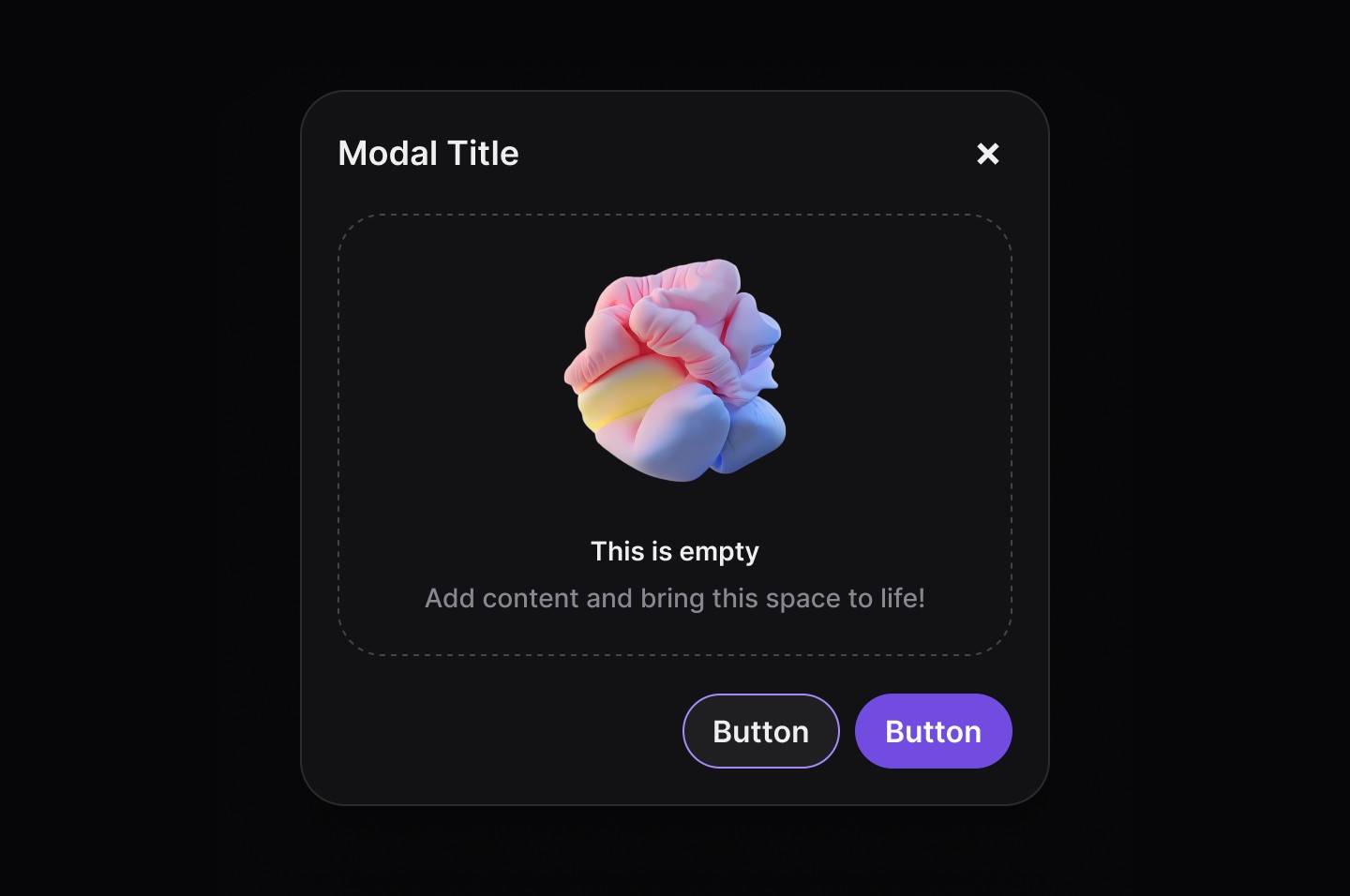
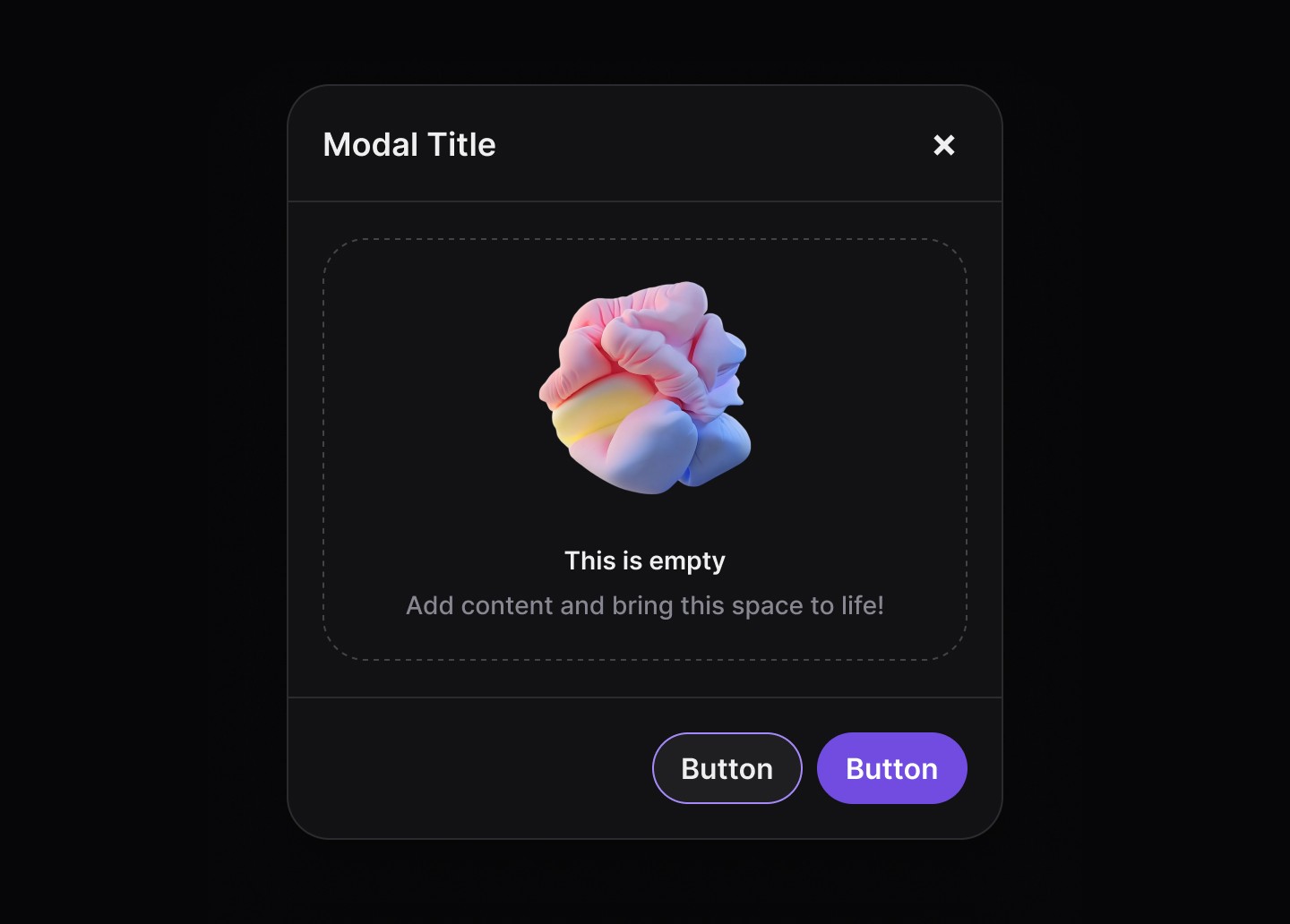
Modals are temporary overlays that require user interaction before continuing. They are used to display important information, request input, or confirm actions without navigating away from the current page.
AA
WCAG 2.1 accessibility compliant
Modal
Live
Modals are temporary overlays that require user interaction before continuing. They are used to display important information, request input, or confirm actions without navigating away from the current page.
AA
WCAG 2.1 accessibility compliant
Modal
Modals are temporary overlays that require user interaction before continuing. They are used to display important information, request input, or confirm actions without navigating away from the current page.
Live in Storybook

Live in Storybook
Live in Storybook
View Figma Designs

View Figma Designs
View Figma Designs
A well-designed modal ensures clarity, focus, and accessibility, helping users complete tasks efficiently while preventing unnecessary disruptions.
When to use | When not to use |
|---|---|
✅ Confirming critical actions | ⛔️ For minor notifications |
✅ Requesting user input | ⛔️ As a primary navigation method |
✅ Displaying important alerts | ⛔️ When users need background context |
✅ Focusing user attention |
Best practices for usability
Keep content focused – Modals should contain only essential information and actions.
Use clear call-to-action buttons – The primary action (e.g., “Confirm”) should stand out, while secondary actions (“Cancel”) should be more subtle.
Prevent background interaction – Users should not be able to interact with elements outside the modal.
Allow easy dismissal – Users should be able to close modals using:
The
Escape keyA
close buttonClicking outside the modal (for non-critical dialogs)
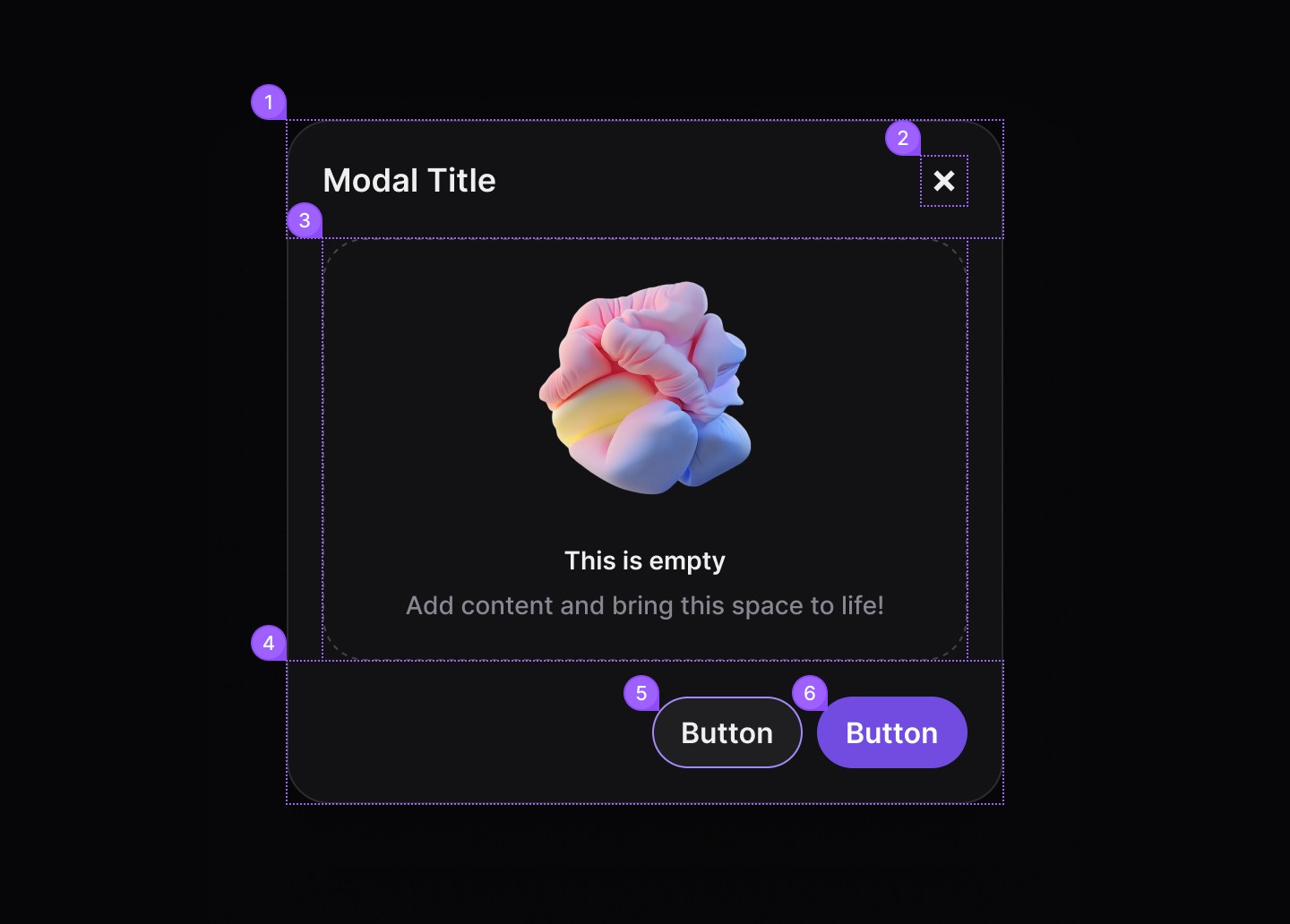
Anatomy
When to use | When not to use |
|---|---|
| Header content, Title |
| dsButton |
| Empty content |
| Footer content |
| Secondary button |
| Primary button |
Spacing
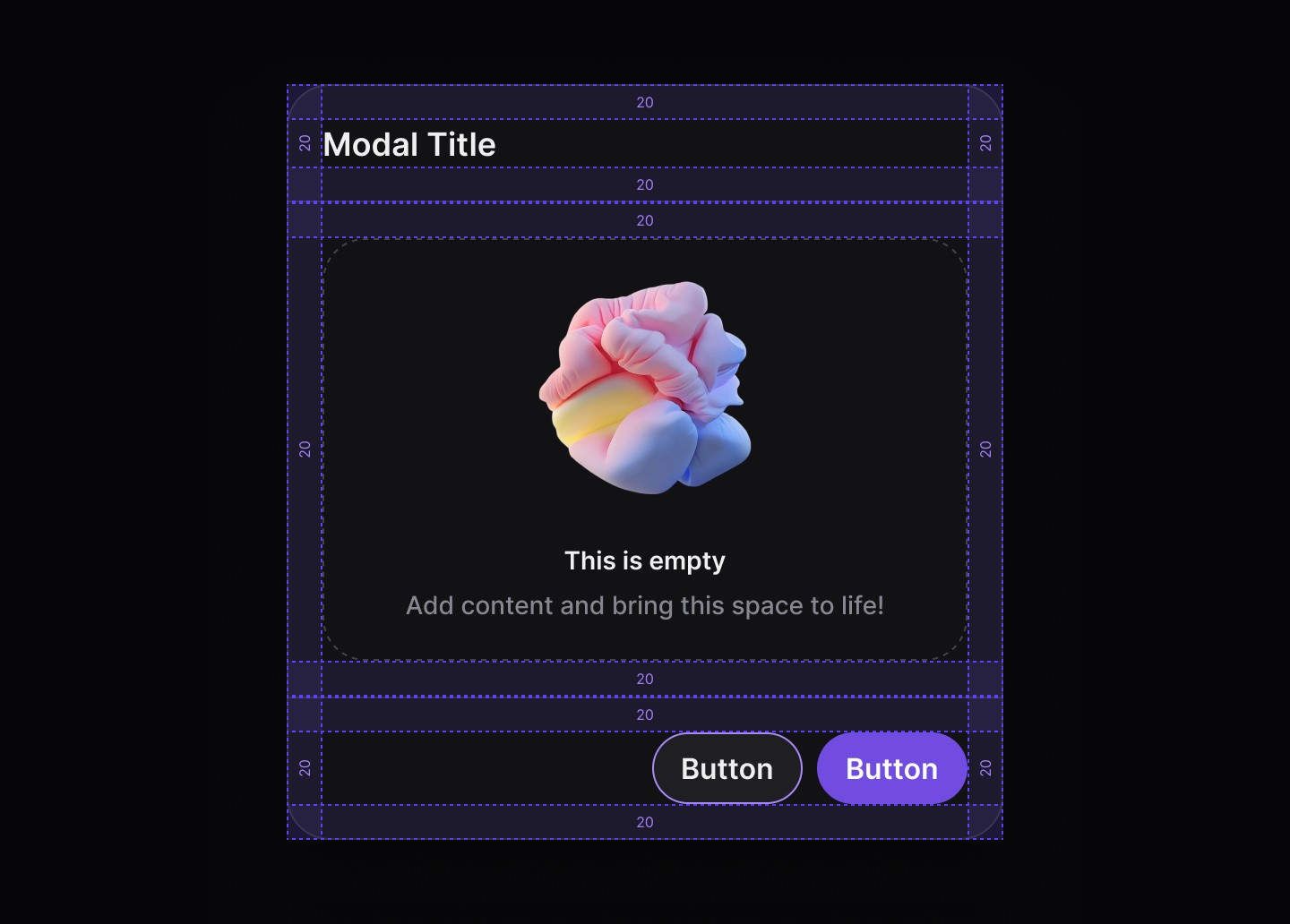
Default
Divided
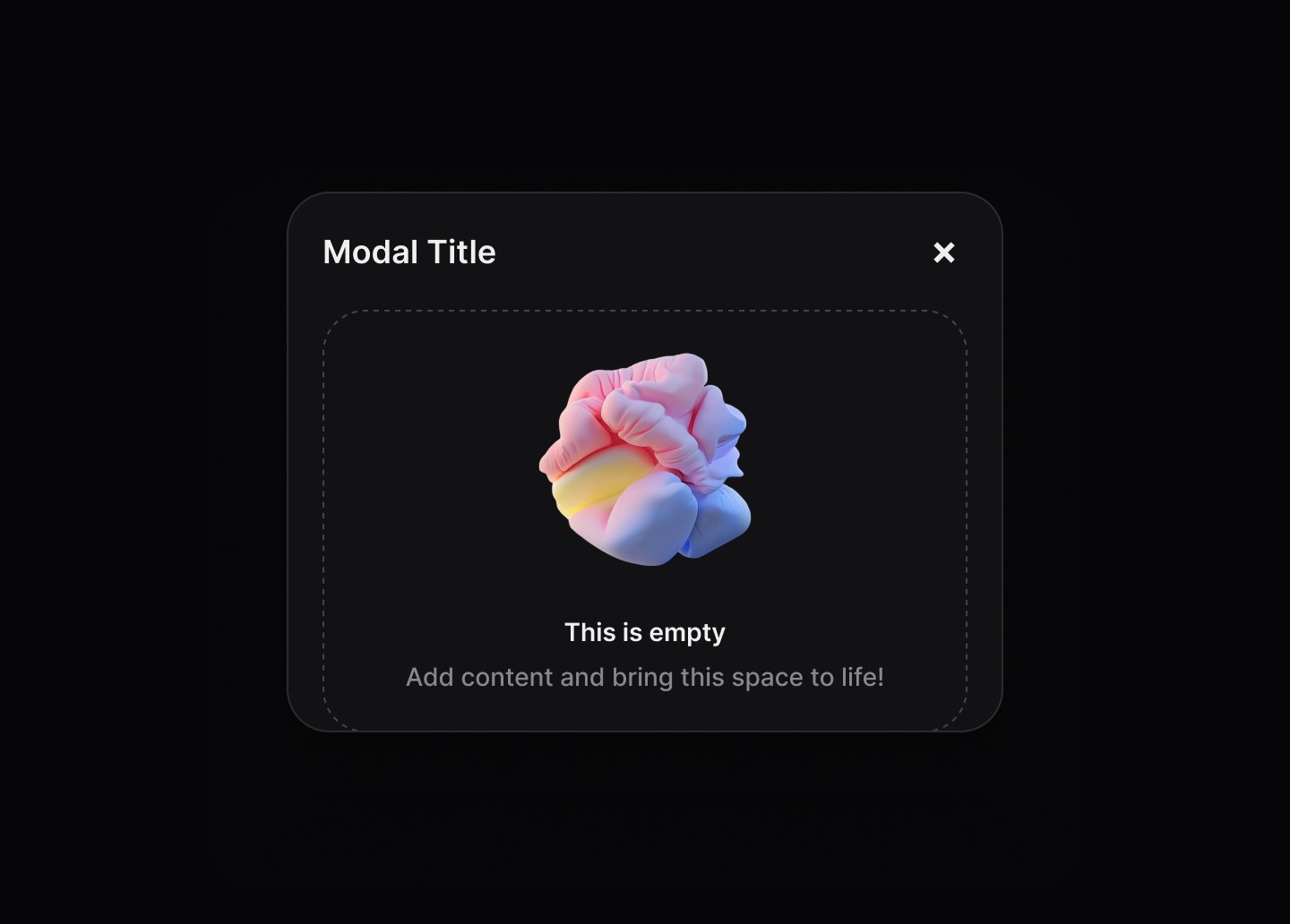
Header
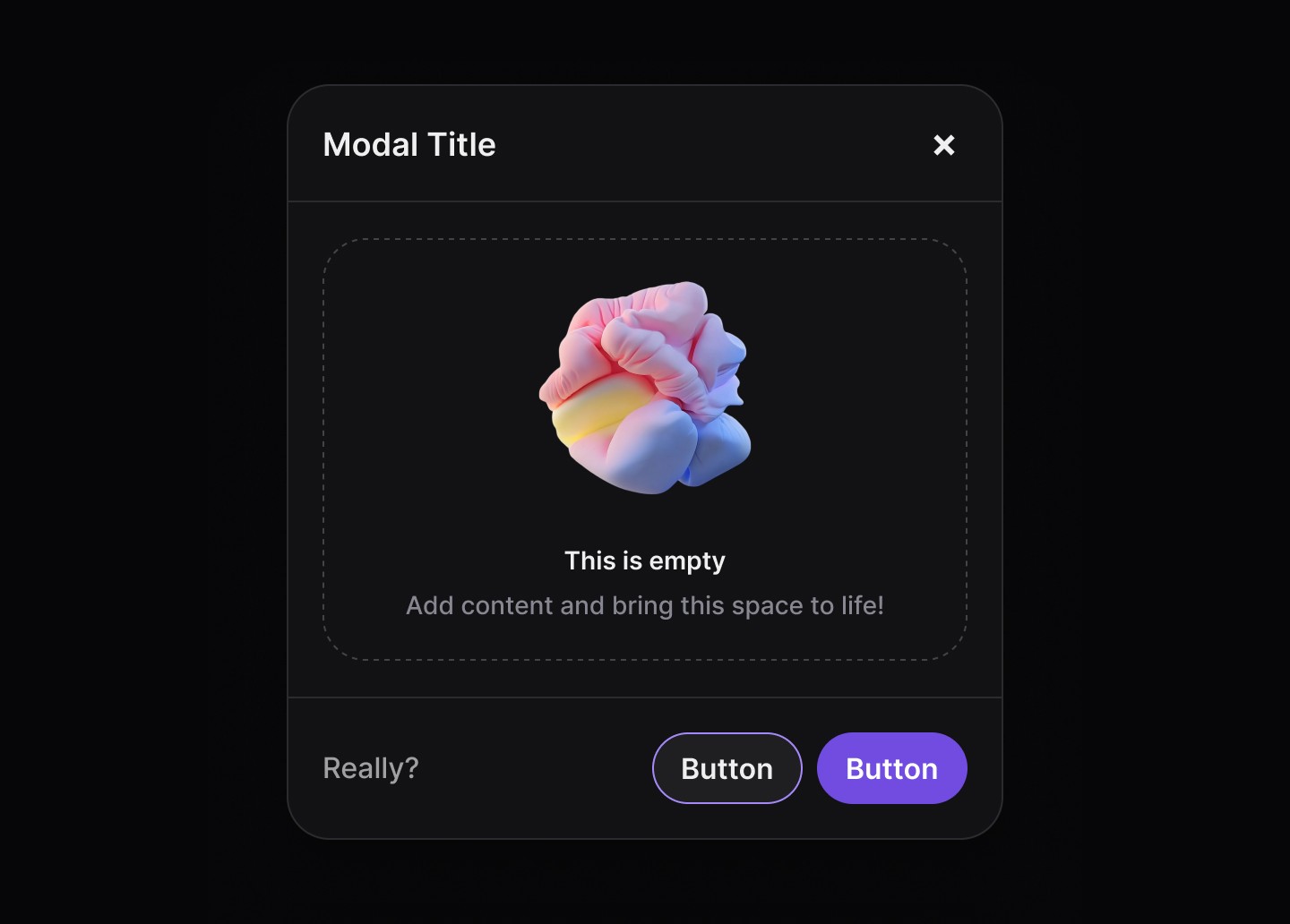
Footer
A well-designed modal ensures clarity, focus, and accessibility, helping users complete tasks efficiently while preventing unnecessary disruptions.
When to use | When not to use |
|---|---|
✅ Confirming critical actions | ⛔️ For minor notifications |
✅ Requesting user input | ⛔️ As a primary navigation method |
✅ Displaying important alerts | ⛔️ When users need background context |
✅ Focusing user attention |
Best practices for usability
Keep content focused – Modals should contain only essential information and actions.
Use clear call-to-action buttons – The primary action (e.g., “Confirm”) should stand out, while secondary actions (“Cancel”) should be more subtle.
Prevent background interaction – Users should not be able to interact with elements outside the modal.
Allow easy dismissal – Users should be able to close modals using:
The
Escape keyA
close buttonClicking outside the modal (for non-critical dialogs)
Anatomy
When to use | When not to use |
|---|---|
| Header content, Title |
| dsButton |
| Empty content |
| Footer content |
| Secondary button |
| Primary button |
Spacing
Default
Divided
Header
Footer
A well-designed modal ensures clarity, focus, and accessibility, helping users complete tasks efficiently while preventing unnecessary disruptions.
When to use | When not to use |
|---|---|
✅ Confirming critical actions | ⛔️ For minor notifications |
✅ Requesting user input | ⛔️ As a primary navigation method |
✅ Displaying important alerts | ⛔️ When users need background context |
✅ Focusing user attention |
Best practices for usability
Keep content focused – Modals should contain only essential information and actions.
Use clear call-to-action buttons – The primary action (e.g., “Confirm”) should stand out, while secondary actions (“Cancel”) should be more subtle.
Prevent background interaction – Users should not be able to interact with elements outside the modal.
Allow easy dismissal – Users should be able to close modals using:
The
Escape keyA
close buttonClicking outside the modal (for non-critical dialogs)
Anatomy
When to use | When not to use |
|---|---|
| Header content, Title |
| dsButton |
| Empty content |
| Footer content |
| Secondary button |
| Primary button |
Spacing
Default
Divided
Header
Footer
Continue reading
Get in touch
Got a project in mind? Let’s chat. I’m always keen to hear about new ideas, collaborations, or challenges you’re looking to solve. Drop me a message and we can explore how to bring your vision to life together.
Get in touch
Got a project in mind? Let’s chat. I’m always keen to hear about new ideas, collaborations, or challenges you’re looking to solve. Drop me a message and we can explore how to bring your vision to life together.
Get in touch
Got a project in mind? Let’s chat. I’m always keen to hear about new ideas, collaborations, or challenges you’re looking to solve. Drop me a message and we can explore how to bring your vision to life together.